
TLDR
The practical rule for borderless MTG proxy printing bleed is simple: artwork intended to reach the finished edge needs extra image beyond that edge so trimming does not expose an unprinted sliver. Important text, symbols, faces, and fine frame details should stay inside the safe area. If you are uploading custom files, follow the printer’s current bleed specification. If you are importing a decklist and selecting existing versions, concentrate on choosing the intended art, frame, set, and border treatment, then inspect the preview before approving the project.
The two biggest risks are different. Inadequate borderless MTG proxy printing bleed can produce white edges or awkward edge crops, while an incorrect version selection can give you a perfectly printed card with the wrong artwork. Treat file geometry and version matching as separate preflight checks.
Borderless artwork and print bleed are not the same thing
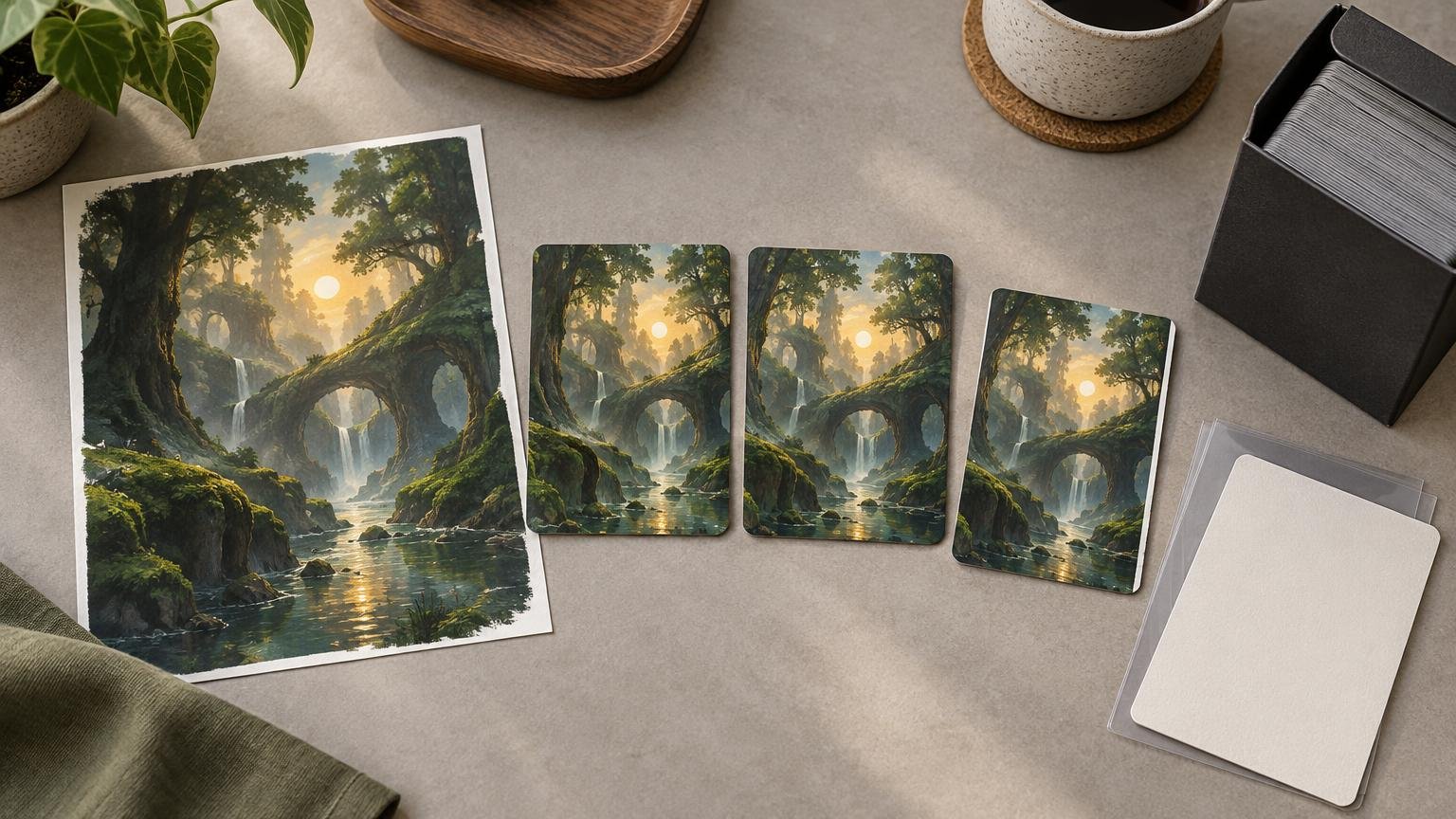
“Borderless” describes the finished visual treatment: the artwork appears to extend to the card’s edge rather than stopping at a conventional frame. “Bleed” is production space outside the intended finished edge. That extra image is sacrificial and is expected to be trimmed away, not displayed as a border on the completed card.
A file that ends exactly at the finished trim boundary leaves no margin for small cutting variation. If a cut lands slightly outside the printed image, an unprinted or white sliver can become visible. Extending the background or artwork into the bleed gives the cutting process usable image area on both sides of the intended trim position.
Bleed does not make the final card larger. It makes the submitted file larger than the finished card. The outside portion exists so the finished piece can still have edge-to-edge color after trimming.
Why borderless designs deserve closer proofing
A traditional framed card has a visual buffer around much of its artwork and rules content. A borderless or full-art treatment often places gradients, character silhouettes, decorative lines, or bright-to-dark transitions near the edge. That does not prove borderless cards are cut less accurately, but it can make ordinary edge variation more noticeable.
The most vulnerable designs are not necessarily the most elaborate. A pale background against a white file edge can reveal a thin sliver. A narrow line that follows the trim boundary may look uneven if one side is cropped more heavily. A face, weapon, set of lettering, or other recognizable feature placed too close to the edge can appear unintentionally clipped even when the background extends correctly into bleed.
That is why two zones matter. Bleed protects the background at the outside edge. The safe area protects meaningful content on the inside. Extending everything outward is not a substitute for moving critical details inward.
What to check before placing a borderless proxy order
First identify which workflow you are using. A decklist or catalog workflow normally asks you to select from available card versions. A customer-upload workflow gives you responsibility for the supplied artwork and its geometry. Do not assume instructions for one workflow automatically apply to the other.
- Confirm that every edge intended to print without a border has continuous artwork or background extending into the required bleed.
- Keep the card name, mana cost, rules text, power and toughness, loyalty, defense value, and other essential information inside the published safe area.
- Look for thin decorative lines, signatures, collector details, faces, and focal objects sitting close to the trim boundary.
- Check the selected set, illustration, frame, border treatment, language, and collector version rather than approving a match based only on the card name.
- Review both sides of double-faced, transforming, or modal double-faced cards. A correct front does not establish that the intended back has been paired with it.
- Inspect the preview at useful magnification. Look at all four edges instead of checking only the center of the card.
- Separate intentional edge cropping from accidental clipping. Full-art compositions may naturally continue beyond the card, but game information should remain readable.
For decklist-based projects, the current Print MTG Cards workflow describes importing a list, choosing options and versions, reviewing a proof, and handing the order flow to PrintMTG. A name match alone does not establish that the intended visual printing was selected. The related guide to avoiding white edges on MTG proxies provides additional context on why edge coverage matters.
Customer-uploaded art: PrintMTG’s published file geometry
For customer-supplied files, PrintMTG currently publishes a finished card size of 2.5 by 3.5 inches and requests 0.125 inch, or approximately 3 mm, of bleed on every side. Adding that bleed produces an overall file size of approximately 2.75 by 3.75 inches. Its guidance also places the safe area 0.125 inch, or approximately 3 mm, inside the trim edge.
| Zone | Published measurement | What it means for the project |
|---|---|---|
| Finished trim size | 2.5 × 3.5 inches | The intended dimensions after the outside bleed is removed. |
| Bleed | 0.125 inch or about 3 mm on each side | Background artwork continues beyond the finished edge and is available to be trimmed away. |
| Full submitted canvas | Approximately 2.75 × 3.75 inches | The finished size plus bleed on the left, right, top, and bottom. |
| Safe area | At least 0.125 inch or about 3 mm inside the trim edge | Critical text and recognizable details stay away from the crop-risk zone. |
These are published requirements for customer-uploaded files, not proof that every catalog or decklist selection requires a customer to build a bleed canvas manually. Before preparing custom artwork, consult the current PrintMTG print-file requirements. Interfaces and preflight handling can change, so use the live instructions rather than an old template or remembered setting.
Likewise, do not add homemade cut lines unless the current upload instructions specifically request them. Trim marks, bleed, and the final edge are distinct concepts. Extra visible lines can become an unwanted part of the image if they are placed in the wrong area.
When a small proof batch is worth considering
A proof batch is a risk-management choice, not a guarantee or a mandatory step. It becomes more valuable when one visual mistake would be repeated across a large Cube, several decks, or a group order.
Consider testing a small representative set when the project includes newly prepared alternate art, very dark edge-to-edge images, pale artwork that could make white slivers conspicuous, thin edge decorations, unusual double-sided layouts, or many cards built from the same template. Choose samples that expose different risks rather than ten nearly identical cards.
For example, a useful validation set could include one dark full-art card, one pale card, one text-heavy design, one card with a focal object near the edge, and one double-faced card. If the project is a large testing gauntlet, compare the cost of a small validation batch with the revision risk before choosing the final quantity. The competitive deck-testing workflow explains how to keep larger test projects repeatable.
Version matching matters as much as bleed
A correctly prepared file can still represent the wrong version. Decklist imports often begin with card names, but one name can correspond to multiple sets, illustrations, frames, border treatments, languages, or special releases. Print MTG Cards specifically advises reviewing those visual choices rather than assuming that a name match preserves the intended printing.
Build a short exception list while proofing. Record cards for which the version matters, such as a specific borderless treatment, a matching cycle of lands, an old-frame selection, or a particular front-and-back pairing. This is especially helpful when most of the deck can use default selections but ten or fifteen cards require deliberate treatment.
After approval, archive the exported list, selected set or collector identifiers where available, artwork exceptions, card quantities, and the final proof. Reproducible records make it easier to replace one damaged card or add an upgrade later without guessing which version matched the original project. Maintaining approved choices and exceptions is part of the site’s recommended reorder workflow.
Frequently asked questions
Will bleed remain visible on the finished card?
Normally, no. Bleed is extra image outside the intended finished edge and is designed to be cut away. A small part exists to accommodate trim variation, but it is not supposed to appear as a separate printed border.
Why can a borderless proxy have a white sliver?
A white sliver can appear when the artwork stops at the trim edge and a small cutting variation exposes the unprinted area beyond it. Continuous background image in the bleed reduces that risk.
What should stay inside the safe area?
Keep anything that must remain fully readable or visually intact inside it: names, costs, rules text, statistics, important symbols, faces, signatures, and key compositional details. Background textures and artwork can extend through the trim boundary into bleed.
Do decklist orders require me to create cut lines or bleed manually?
The supplied evidence does not establish that every decklist or catalog order requires manual file preparation. If you are selecting an existing card version, review the available visual choice and preview. If you are supplying your own file, follow the current upload requirements rather than assuming the catalog workflow prepares every custom asset for you.
How do I confirm that I selected the intended borderless version?
Check more than the card name. Compare the illustration, set, frame, border treatment, language, and any collector identifier shown in the workflow. Inspect double-faced cards on both sides, then record important version exceptions with the archived project.
A brief casual-play and sanctioned-event note
Proxy-style and playtest cards should be clearly distinguishable from authentic cards and are generally intended for casual play and testing. Wizards’ published proxy policy states that sanctioned events require authentic Magic cards, apart from limited situations in which a judge issues a proxy during an event. Check the rules of the venue or playgroup before bringing a proxy deck.
Run one final edge-to-edge preflight
Before approving a borderless project, check the four edges, the safe placement of essential content, the selected visual version, both faces of special cards, and the total quantities. For customer-supplied artwork, compare the file against the current bleed and safe-area requirements. For an imported decklist, verify art, set, frame, and border treatment in the preview rather than relying on card names alone.
Once those checks are complete, keep the approved list and version exceptions with the final files. You can then move the prepared project into the PrintMTG ordering workflow without losing the decisions that made the deck visually consistent and reproducible.