
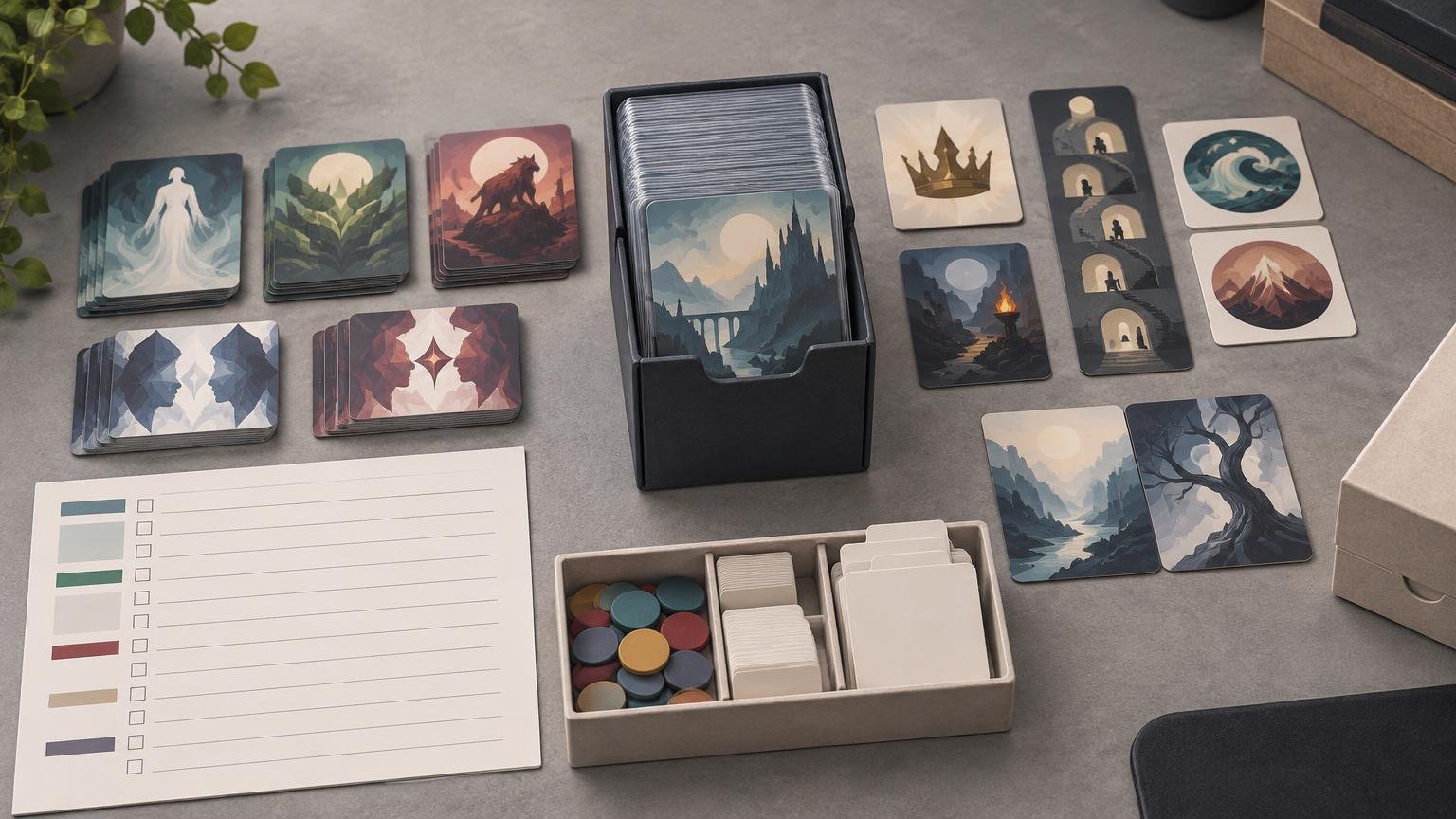
The 100 cards are only the first count in a Commander print project. Before approving the batch, inspect the actual decklist for every effect that creates a token, emblem, designation, dungeon interaction, counter, copy, or special-card handling requirement. The goal is not to print a generic stack of popular tokens. It is to build an extras sheet that matches this particular deck.
TLDR: Build the checklist from the decklist
Start with the final 100-card list, including the commander. Search each card’s current rules text for token creation and related components, then record what it creates, how many copies may be useful, and which deck card creates it. Keep tokens separate from emblems, counters, monarch and initiative reminders, dungeons, and substitute cards. Reconcile the 100 deck cards and all extras as two distinct production counts before printing.
- Lock the exact Commander decklist and card versions.
- Identify every card that creates, copies, transforms, or modifies a token.
- Record each token’s complete characteristics rather than only its name.
- Add non-token components such as emblems, dungeons, counters, and substitute cards.
- Choose practical quantities based on how the deck produces and uses each component.
- Proof the 100-card deck and the extras sheet separately, then archive both.
Keep the 100-card deck and extras count separate
A Commander deck contains 100 cards including its commander. Other than basic lands, cards must have unique names, and Commander does not use a sideboard. Tokens, emblems, markers, and similar play aids do not consume spaces in that 100-card count. The official Commander format overview provides the deck-construction baseline, while the Magic Comprehensive Rules defines how the individual components work.
That distinction prevents a common production mistake: importing 100 cards, adding ten token images to the same working list, and later wondering whether the project has 100, 110, or 109 printable faces. Maintain two totals from the beginning: deck cards and extras. If your list comes from Moxfield, the same separation should survive the export and cleanup process described in this Moxfield decklist printing workflow.
| Project section | Include | Do not merge with |
|---|---|---|
| Commander deck | Commander or commanders plus the remaining cards, totaling 100 | Tokens, emblems, dungeons, or reminder markers |
| Token cards | Every deck-specific token and useful copy quantity | Counters or designation reminders |
| Other play aids | Emblems, monarch, initiative, dungeons, counters, and substitute cards | The 100-card deck count |
| Archive | Final decklist, version identifiers, extras sheet, and proof notes | An older draft of the deck |
Find token producers in the actual list
Review every card in the deck, not just the obvious token theme cards. Instants, sorceries, lands, artifacts, planeswalkers, triggered abilities, and replacement effects can all introduce components that a quick creature-only scan misses. Search for phrases such as “create,” “copy,” “populate,” and “investigate,” but confirm the complete current rules text instead of treating a keyword search as the final answer.
For each producer, create one checklist row containing the source card, token name or description, color, card types and subtypes, power and toughness where applicable, abilities, and any modifications imposed by the creating effect. Under the rules, a token represents a permanent that is not represented by a card. A card-shaped object can represent it physically, but the token itself is not a card.
This detail matters because two effects can appear to create the same token while producing meaningfully different objects. A generic “Goblin” entry is inadequate if one source creates a red 1/1 Goblin and another creates a Goblin with an ability. Keep separate rows whenever the printed faces would need different characteristics.
Do not stop at predefined token names
The rules define recurring token types including Treasure, Food, Clue, Blood, Powerstone, Map, Junk, Lander, and Mutagen. Those names make searching easier, but an effect can modify a predefined token’s normal characteristics. Record the finished object described by the source effect, not merely “Treasure” or “Food.”
Give copy effects their own review pass
A generic Copy token is useful as a flexible marker, but it does not document every possible result. Copy-token characteristics depend on the copied object, and copying a double-faced object can produce a double-faced token. If a source repeatedly creates a defined copy or a named token, add that result as a deck-specific checklist entry instead of assuming one blank Copy card will cover everything.
Choose quantities by how the deck uses each token
There is no useful universal answer such as “print two of every token.” Quantity should follow the deck’s production pattern. A one-time emblem needs a different plan from a creature token generated by several permanents every turn. Begin with the number the deck can reasonably place on the battlefield at once, then decide whether dice can represent additional identical objects without hiding important states.
- Print separate copies when tokens commonly have different tapped, attacking, modified, equipped, or counter-bearing states.
- Use fewer physical cards for fungible resource tokens if dice can show quantity clearly.
- Allow more copies for the deck’s primary creature token than for a narrow token created by one card.
- Keep mechanically different versions separate even when they share a name or artwork concept.
- Add a modest replacement margin only where losing one component would make the deck awkward to use.
Once the content and quantities are settled, check whether small text, dark artwork, borders, and color coding remain readable across the whole batch. The MTG token printing guide covers the production-quality side of that review; this checklist should remain the source of truth for what the project actually needs.
Add the components that are not tokens
Token searches do not catch every Commander extra. Run a second pass specifically for emblems, player designations, dungeons, counters, and double-faced or meld-card helpers.
| Component | When to add it | What to record |
|---|---|---|
| Emblem | A card creates an emblem | Creating card and the emblem’s exact abilities |
| Monarch reminder | A card can make a player the monarch | One clearly labeled designation marker |
| Initiative package | A card causes a player to take the initiative | Initiative reminder, Undercity dungeon, and a room marker |
| Other dungeon | A card instructs a player to venture into a dungeon | Relevant dungeon card or cards and a progress marker |
| Counters | Cards place counters on objects or players | Counter types and a practical marker supply |
| Substitute card | The deck contains a double-faced or meld card that needs representation | At minimum, an unambiguous identification of the represented front face |
Emblems, monarch, initiative, and dungeons
An emblem is a command-zone marker with the abilities specified by the effect that created it. It is neither a card nor a permanent, so list it as an extra rather than a token. Monarch and initiative are player designations, not tokens. If the deck introduces either designation, a labeled reminder helps track who currently holds it.
Initiative requires more than an Initiative card: taking the initiative causes a player to venture into Undercity. Dungeon cards begin outside the game, and a marker shows the current room. A complete initiative package therefore includes the designation reminder, the Undercity dungeon, and a progress marker. Other venture effects may require a broader dungeon set.
Counters belong on a separate supply list
Counters are not tokens and have no characteristics. Track the types the deck uses—such as +1/+1, loyalty, stun, shield, poison, rad, or defense—without turning each one into a token-card row. Dice may handle ordinary quantities, while labeled markers are helpful when several counter types can appear on the same battlefield.
Check double-faced and meld cards
The formal rules term for the game supplement representing a double-faced or meld card is “substitute card.” It must at least identify the front face of the represented card. Record these helpers separately, and verify that the front and back faces of any printed double-faced component are correctly paired.
Create a production sheet before ordering
A compact spreadsheet is enough. Use columns for source card, component category, printed label, characteristics, requested quantity, front-file name, back-file name, and review status. This turns the extras from a loose pile of images into a repeatable batch.
Reconcile the sheet in three directions: every producer in the deck should point to an extra or a deliberate “marker only” decision; every extra should point back to at least one source card; and the requested quantities should equal the number of extra faces in the print batch. If you are ready to order physical MTG playtest cards after completing that reconciliation, view options at PrintMTG.
Save the final deck export and extras sheet together. Use dated file names and preserve set codes, collector numbers, selected art versions, and front/back pairings where applicable. When the deck changes, create an update batch from that archive instead of reconstructing the token package from memory.
Commander token checklist FAQ
Do tokens count toward the 100 cards?
No. The commander is included in the 100-card deck total, but tokens and similar play aids are separate components. Keep them in a distinct extras count.
Should I print every token mentioned by every possible interaction?
Print the components produced by the cards in the locked list. For open-ended copy effects, include flexible Copy markers plus any defined or recurring copies that need specific characteristics. Avoid filling the batch with hypothetical tokens the deck has no practical way to create.
Is one copy of each token enough?
Sometimes, but not as a default. One emblem may be sufficient, while a deck that repeatedly creates creature tokens may need several physical copies. Consider simultaneous battlefield states and whether dice can communicate quantities without obscuring tapped status, counters, or other differences.
Do I need monarch and initiative tokens?
They are designation reminders rather than tokens. Add them when the deck can introduce those designations. Initiative also calls for Undercity and a room marker, so treating it as a single token would leave the project incomplete.
Final preflight
- Confirm that the Commander deck itself totals exactly 100 cards.
- Trace every token and helper component back to a card in the final list.
- Verify token colors, types, power and toughness, abilities, and effect-specific modifications.
- Review copy effects, emblems, monarch, initiative, dungeons, counters, and substitute cards separately.
- Match every double-faced front to the correct back.
- Reconcile the extras-sheet quantity with the physical production count.
- Archive the final decklist, versions, extras sheet, and proof files together.
Do not approve the project when the 100th deck card is found. Approve it when the deck count, extras count, special-card pairings, and archived files all agree. That is the difference between a printed Commander list and a complete, reproducible Commander project.