
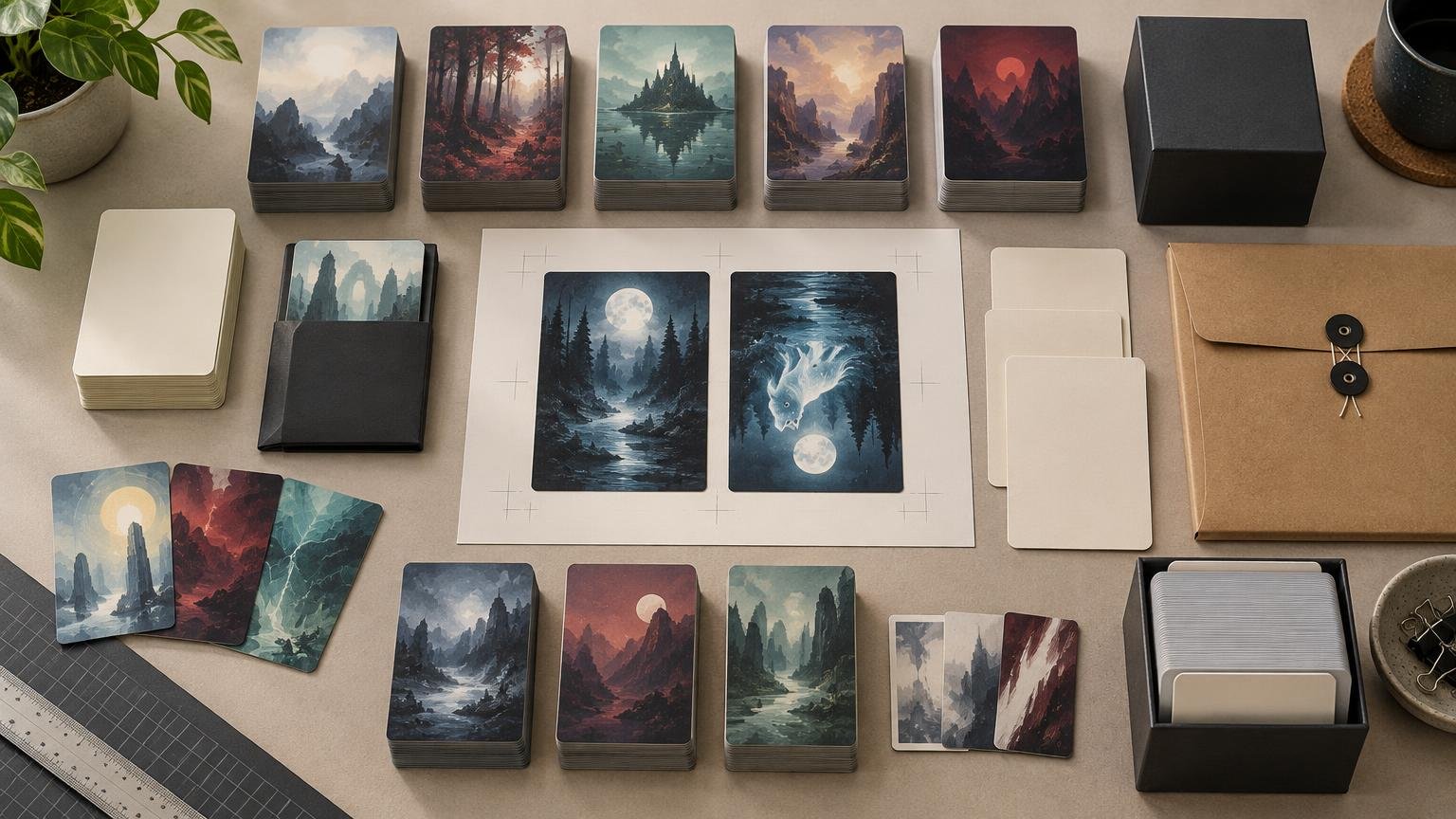
To print transform card proxies correctly, add the card by its front-face name, select the intended printing, and confirm that the preview places the correct reverse face on the same physical card. Do not enter the back face as a second card. The most important step is a front-to-back proof audit before approving the batch.
That sounds simple until a deck contains several double-faced cards from different sets, alternate treatments, modal double-faced cards, and a meld pair. A normal quantity check will tell you whether the deck has enough cards. It will not tell you whether those cards have the right backs.
Identify every special card before importing the list
Start by pulling transform cards and other special layouts into a separate review list. The official Magic Comprehensive Rules distinguish nonmodal double-faced cards from modal double-faced cards. Each face has its own characteristics, although a double-faced card normally has only its front-face characteristics outside the stack and battlefield.
For print-project purposes, both types require paired-face proofing, but they do not play the same way. A traditional transform card begins on its front face and may transform. An MDFC lets its controller choose the appropriate face when playing or casting it. The print file still needs both intended faces attached to one physical card.
Build a special-card checklist with these categories:
- Transform cards and other nonmodal double-faced cards
- Modal double-faced cards
- Meld components
- Any tokens, substitute cards, or helper cards needed during play
- Alternate treatments for which the exact set, frame, art, or collector number matters
Keep meld cards in their own category. The rules do not classify them as double-faced cards: two specific cards combine to represent one melded permanent, and those cards cannot transform or convert. Do not send a meld pair through the project as one ordinary front-and-back card.
Import the front face as one physical card
In PrintMTG’s decklist workflow, search for a double-faced card by its front-face name and treat the selected result as one physical card. Entering the reverse-face name separately can create an extra card rather than a correct two-sided pair.
If your list comes from a deckbuilding platform, clean it before import. Remove headings that the importer could mistake for card names, confirm quantities, and keep the commander, companion, sideboard, and maybeboard separated intentionally. The same cleanup process used to prepare a Moxfield decklist for printing applies here, with an added audit for every paired face.
A name-only list can identify the card without preserving the printing, frame, artwork, or edition you intended. Include set codes and collector numbers when version selection matters, or choose the version manually after import.
Keep the front and back tied together during review
Create one tracking row for each physical double-faced card. This is not a Magic rules document; it is a production safeguard that makes pairing errors visible.
| Project field | What to record |
|---|---|
| Front face | The name used for the import or search |
| Reverse face | The face that must appear on the back |
| Version | Set code, collector number, treatment, or another useful identifier |
| Quantity | The number of physical copies required |
| Proof status | Whether the preview shows the intended faces together |
The front-face name should remain the primary identifier throughout the project. Put the reverse-face name beside it rather than treating it as another decklist entry. This keeps one game object tied to one print item while still giving you a clear back-face checkpoint.
For multiple copies, verify both pairing and quantity. Four correct fronts paired with one wrong reverse image are still four wrong physical cards. If several versions share a front-face name, the exact set and collector number become especially useful.
Audit the two-sided preview in both directions
Use a fixed proofing sequence:
- Find the card by its front-face name in the preview.
- Confirm the front uses the intended set, frame, art, and treatment.
- Move to the corresponding back position or paired-face view.
- Read the reverse-face name rather than judging from the art alone.
- Confirm that the reverse face belongs to that exact front and printing.
- Check the quantity against the decklist and pairing record.
- Mark the card approved only after both faces pass.
Repeat that sequence for every special card, even if the first few are correct. Batch-wide assumptions are how one mismatched back survives an otherwise clean proof.
Plan for hidden information during play
Double-faced cards need to remain indistinguishable from the rest of the deck while they are in hidden zones. The Comprehensive Rules allow genuine double-faced cards to be handled with completely opaque sleeves or an official substitute card, with the represented card used when it is face up in a public zone.
For a casual proxy deck, completely opaque sleeves are the straightforward project choice when the printed card has two playable faces. Check the entire sleeved deck under normal room lighting, paying attention to pale sleeve colors, worn sleeves, and any visible difference at the edges. If you use helper or substitute cards in your group, include them in the project count rather than remembering them after the main batch arrives.
Player-created proxy cards are not authorized for sanctioned events. Under the Magic Tournament Rules, only genuine regulation-sized Wizards-released cards are authorized, while a Head Judge may issue a tournament proxy only in limited circumstances. The rules also require official substitute cards for double-faced cards when completely opaque sleeves are not being used.
Separate correction batches from the main order
A transform-card mistake usually affects fewer cards than the full deck, so keep the project reconstructable. Save the final decklist, exact identifiers, front-and-back pairing record, approved proof, order date, and any revisions. If one back is wrong, that archive lets you prepare a small correction batch without guessing which treatment matched the rest of the deck.
Use filenames that identify the deck and revision, such as deck-name-transform-pairs-v2 and deck-name-approved-proof. A version number is more useful than labels such as final, final-new, and final-really-final when you return six months later.
When you are ready to turn the checked list into a physical project, PrintMTG for Magic card printing and physical playtest cards provides a relevant ordering route. Recheck the live preview and available options rather than assuming an archived selection is still available.
Run one final transform-card preflight
Before approval, compare the decklist, pairing record, and proof side by side. Every transform or modal double-faced card should appear once per required physical copy, under its front-face identity, with the intended reverse face attached.
- Every double-faced card is listed by its front-face name.
- No reverse face was accidentally added as a separate card.
- Set codes and collector numbers match version-sensitive selections.
- Every front has been checked against its reverse face in the proof.
- MDFCs are paired correctly even though they do not use the transform action.
- Meld components are separate physical cards, not an ordinary front/back pair.
- Quantities include all required copies, helpers, and casual-play extras.
- Opaque sleeves conceal every card consistently.
- The final list, pairing record, and approved proof are archived together.
The decisive check is not simply whether both images exist. It is whether the correct front and correct back remain tied to the same physical card through import, proofing, printing, and any later reorder.
Frequently Asked Questions
Should I add the reverse face as a separate card?
No. Search or import the front-face name, treat the result as one physical card, and confirm that the intended reverse face appears with it in the two-sided preview.
Do meld cards use the same front-and-back workflow?
No. Meld cards are separate physical components that combine to represent one permanent; they are not double-faced cards and should not be submitted as one ordinary front/back pair.
Can I use printed transform-card proxies in sanctioned events?
Player-created proxies are not authorized in sanctioned events. A Head Judge may issue a tournament proxy only in limited circumstances, and official substitute cards are required for double-faced cards when completely opaque sleeves are not used.