
TLDR
Choose home-printed proxies when you need cards immediately, expect the list to change, and do not mind trimming and sleeving paper inserts. Choose professionally printed playtest cards when you want a complete Commander deck, Cube, gauntlet, or group order with consistent stock, cutting, corners, and version selection. A hybrid workflow is often best: validate the deck at home, freeze the list, then order the stable version professionally.
Neither option makes a proxy legal in a sanctioned tournament. Wizards requires authentic Magic cards in sanctioned events, apart from a narrow exception for judge-issued proxies replacing cards damaged during that event. Its policy separately discusses clearly marked, personal, non-commercial playtest cards used outside sanctioned events. Read Wizards’ proxy policy before taking a playtest deck to an organized event.
Make the decision at the project level
The real comparison is not “paper versus cardstock.” It is revision speed versus production consistency. A five-card upgrade test, a 100-card Commander deck, a 360-card Cube, and a 1,000-card group order have different failure costs.
| Project | Usually the better starting point | Why |
|---|---|---|
| Five to 20 changing cards | Home printing | Fast revisions make more sense than perfect finishing. |
| Stable Commander deck | Professional printing | A full deck benefits from consistent dimensions, cuts, and card construction. |
| Cube under active development | Hybrid | Test changing slots at home, then print a frozen update batch. |
| Competitive testing gauntlet | Professional printing | Repeated handling and multiple complete decks reward batch consistency. |
| Large group order | Professional printing after a test batch | Centralized version and quantity control reduces repeated cutting and assembly. |
If your project is still changing after every game night, a polished 100-card batch may simply lock in 12 cards you are about to cut. If the list is stable and you are tired of moving staples between sleeves, professional production becomes much easier to justify. For broader project selection, see how to print cards for Commander, Cube, and deck testing.
Where home printing wins
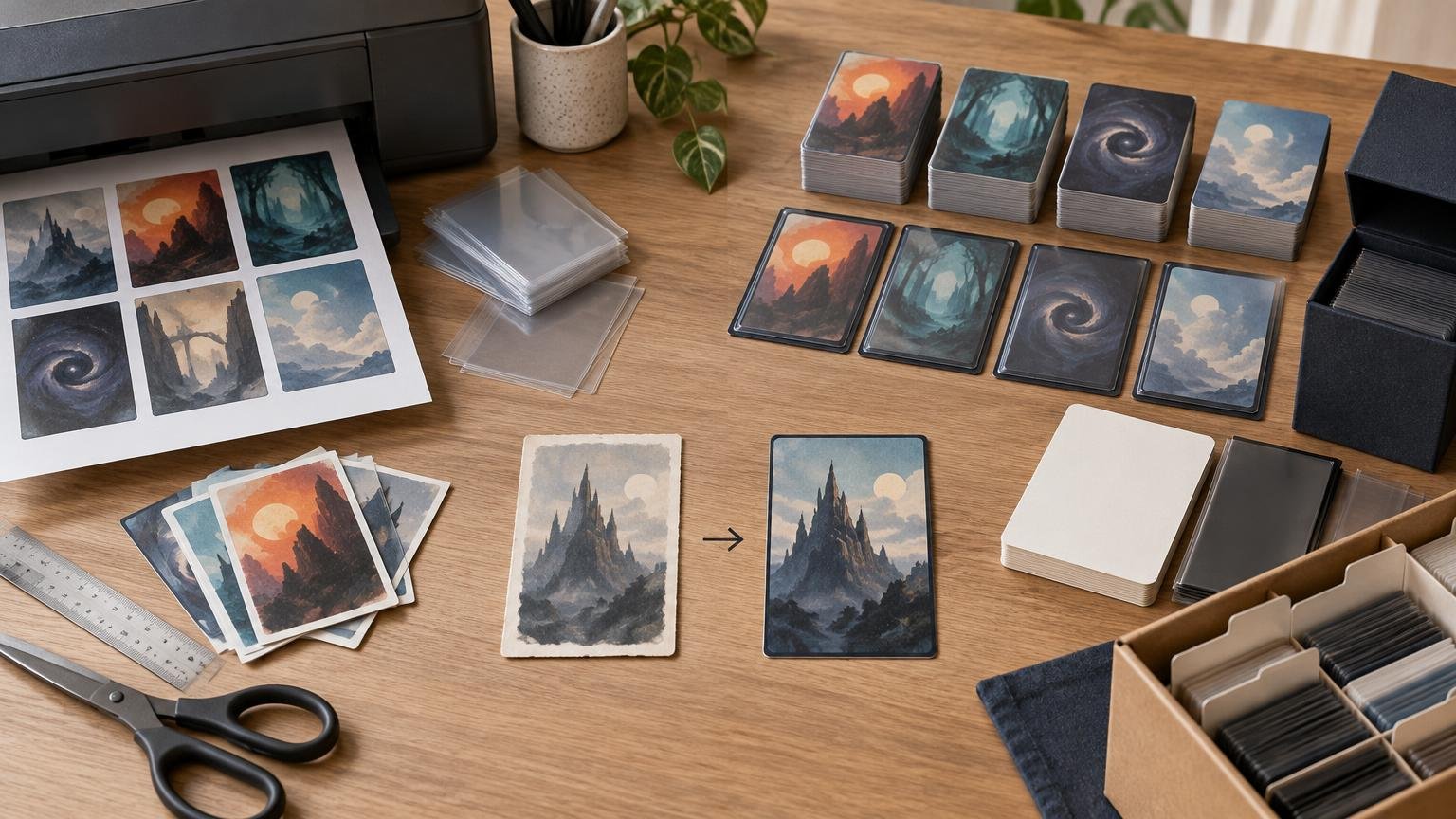
Home printing is strongest as a rapid prototyping method. Paper inserts placed in opaque sleeves in front of consistent backing cards are inexpensive to revise when the printer, sleeves, basic cards, and cutting tools are already available. They are particularly practical for temporary testing.
The tradeoff is that you become the production department. You must prepare the files, troubleshoot the printer, check scale, trim the sheets, assemble the sleeves, and replace mistakes. There is no reliable universal cost per card because ink or toner coverage, spoiled sheets, paper, backing cards, sleeves, tools, and existing equipment vary substantially.
Before printing a full deck, match the document and loaded paper sizes, use Actual Size or 100% rather than Fit to Page, and inspect one test sheet. The home-print settings checklist explains the scaling check in more detail. A test page can expose clipped edges, unreadable text, color problems, or printer banding before those defects spread across an entire batch.
Also check physical consistency after sleeving. Paper thickness, backing-card variation, curl, poor trimming, and sleeve show-through can make particular cards identifiable from the rest of the deck. Opaque sleeves help, but they do not correct an insert cut too wide or a stack assembled with inconsistent backing cards.
Where professional printing wins
Professional printing removes much of the repetitive production work. Current decklist-driven routes can let you paste a list, select printings and quantities, review the cards, and submit a complete project rather than laying out and cutting sheets yourself. That is most valuable once the list is stable.
PrintMTG currently states that it uses S33 German black-core playing-card stock, a matte-satin UV coating, and controlled cutting and cornering. ProxyFoundry’s checked existing-MTG-printing route similarly states that it uses S33 black-core stock, UV coating, precision die cutting, enhanced files at 300 DPI or better, and double-sided printing for double-faced cards. These are supplier specifications rather than independent handling-test measurements.
For an existing-printing deck, Cube, or playtest batch, ProxyFoundry provides a route for selecting cards, versions, and quantities. Confirm the live options before ordering if the project requires original custom art, unusual backs, or anything beyond the available MTG printings.
The professional route also makes the batch easier to reconstruct, but only if you preserve the project data. Save the final decklist, quantities, set codes, collector numbers, selected treatments, and order date. A card name by itself is not enough when several printings have different art, frames, or faces.
Professional printing does not eliminate proofing
A printer can reproduce the wrong version very consistently. Before checkout, compare the preview against the source list and count every project component:
- Commander, companion, sideboard, and maybeboard cards included intentionally
- Basic lands included or excluded intentionally
- Set codes, collector numbers, language, frame, and art treatment
- MDFCs and transform cards paired with the correct reverse faces
- Tokens, helper cards, copy tokens, and emblems counted separately
- Split cards, Adventures, Battles, and meld components reviewed visually
- Borderless artwork checked for vulnerable text or edge-crop risks
- Final quantity reconciled against the expected project total
Borderless and full-art cards deserve a closer preview because important details near an edge can be vulnerable to trimming variation. Use the bleed and edge-crop checklist before approving a large batch.
Use a hybrid workflow for fewer expensive mistakes
The strongest workflow for a serious deck project is usually staged. First, print the unstable cards at home and play enough games to expose cuts. Second, freeze the list and normalize card names, versions, and quantities. Third, order a small validation batch if finish, readability, or version matching is uncertain. Finally, submit the full deck, Cube update, or gauntlet only after the validation cards pass inspection.
This approach keeps home printing in its best role—fast iteration—while reserving professional production for a list worth preserving. It is particularly useful for Cubes and group orders, where one overlooked duplicate or wrong art selection can be repeated dozens of times.
FAQ
Are professional MTG proxies tournament legal?
No. Production quality does not change sanctioned-event eligibility. Wizards’ policy requires authentic Magic cards, except for a limited judge-issued proxy used after a card is damaged during that particular event.
Is home printing always cheaper?
Not necessarily. It can be economical when you already own the printer, tools, sleeves, and backing cards. Ink, wasted test sheets, trimming time, replacement blades, and assembly labor make a universal per-card comparison unreliable. Compare the total finished project, not paper cost alone.
Should I home-print an entire Commander deck first?
Usually, print only the cards most likely to change. Use consistent backing cards and opaque sleeves, then move to a complete batch after the list stabilizes. Printing all 100 slots at home is reasonable if immediate testing matters more than cutting and assembly time.
How should I handle double-faced cards?
Verify both faces during proofing and decide whether the project uses double-sided cards or separate helper representations. Do not assume an importer paired every face correctly. The checked ProxyFoundry route states that it supports double-sided printing for double-faced cards, but the final preview should still be inspected.
Run this preflight before committing
Choose home printing if the list is temporary, speed matters, and you accept manual assembly. Choose professional printing if the project is stable and consistency across a full deck or larger batch matters more than immediate revisions. Before either route, print or order a small test, verify scale and readability, reconcile the card count, inspect special cards, and archive the exact final list. The best production method is the one that fits the project’s current stage—not merely the one with the cleanest-looking sample card.