
TLDR
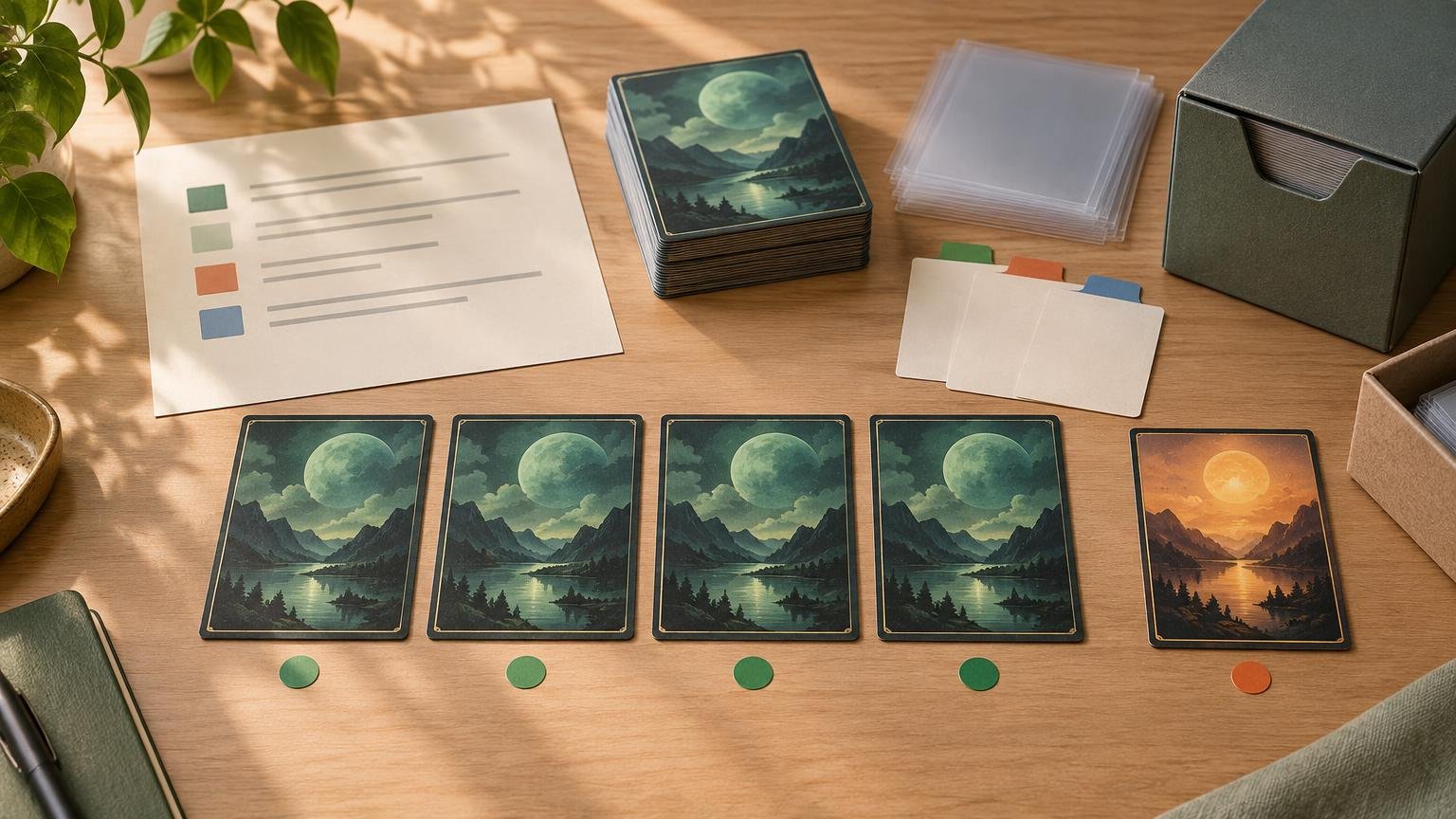
To print multiple copies of a card with the same artwork, do not rely on the card name alone. Select one printing, record its set code and collector number, apply that choice to every required copy, and confirm the artwork in the final preview. Record language and treatment as well when they matter. Handle basic lands and intentional mixed-art copies separately rather than letting an importer choose for you.
A card name identifies the game piece, not the artwork
A line such as “4 Lightning Bolt” tells an importer which card and quantity you need. It does not reliably specify the set, collector number, frame, border, language, treatment, or illustration. That is enough for a gameplay-first list, but not for a version-sensitive print project. The imported cards need a separate visual-version review after the names have been matched.
There is also an important distinction between the same art and the same printing. Scryfall’s card-data type documentation uses an illustration identifier that can persist when an illustration is reused, while each physical printing has its own set and collector-number data. Two cards can therefore share artwork without matching in frame, expansion symbol, treatment, or other presentation details.
For a visually uniform batch, “same printing” is usually the safer target. Use the same set code and collector number for every copy, then verify the preview rather than assuming the identifiers produced the intended result.
Build a version-locked duplicate list
Start with the cleaned decklist, but add one row for every distinct physical version. A useful version record includes quantity, card name, set code, collector number, and any relevant language or treatment. Add paired-face information for double-faced cards and an exception note for anything intentionally different.
| Quantity | Card name | Set code | Collector number | Version note |
|---|---|---|---|---|
| 4 | Example staple | Selected set | Selected number | Same treatment and language |
| 3 | Example staple | Selected set | Selected number | Primary artwork |
| 1 | Example staple | Different set | Different number | Intentional alternate artwork |
The last two rows illustrate the correct way to document a four-copy group containing one alternate version. Do not collapse it into a single quantity-four line. Separate version rows make the exception visible during proofing and preserve it for a later reorder.
The expansion symbol identifies the set in which a card was printed, according to Wizards’ anatomy of a Magic card, while the collector number identifies its position within that set. Variant releases may use different collector-number ranges for different treatments, making the number more dependable than an artwork description such as “the dark one” or “the borderless version.”
Do not assume an import preserved the selected printing
Even a source list containing set information may be matched by card name during import. PrintMTG’s published importer guidance says its workflow can accept lists from Moxfield, Archidekt, MTG Arena, and plain text, but fuzzy name matching can still lead to a name-level match; the specific printing or alternate art is selected after import.
If you use PrintMTG for physical playtest cards, treat the imported result as a draft configuration rather than proof that every source version survived. Open the card selector or preview, choose the intended printing, and check that the same selection is applied to all duplicate copies.
- Import the cleaned name-and-quantity list.
- Resolve missing cards, aliases, punctuation problems, and accidental duplicates.
- Choose the intended set and collector number for the first copy.
- Apply or repeat that exact selection for every matching copy.
- Inspect all duplicate copies in the final preview.
- Save the approved version record before ordering.
Treat basic lands as an art project of their own
A line such as “12 Island” is especially risky because sets can contain several illustrations for the same basic land type. The quantity is clear, but the visual choice is not. Decide whether the project needs one repeated illustration, a coordinated cycle, or a deliberate mixture.
For one repeated illustration, record the same set code and collector number for all copies. For a cycle, create separate rows for each illustration and assign exact quantities. If you already own suitable basics, exclude them from the print list intentionally. That prevents generic land lines from becoming an unplanned pile of mismatched art.
Check staples across decks and large batches
Repeated staples often appear in Cubes, testing gauntlets, spare-card batches, and multi-deck projects. Before submitting the batch, decide whether every copy should be identical or whether each deck has its own visual identity. A shared-staple project is easier to reorder when one version is designated as the default instead of selecting art independently in every deck.
For a large testing project, preserve a master staple sheet containing the approved identifiers. Then compare each new list against that sheet before import. This prevents a newly added copy from silently using the importer’s default printing while the older copies use your selected version. The same archive also supports a more repeatable competitive deck-testing workflow.
Use two proofing passes
Trying to verify quantities and artwork simultaneously makes omissions harder to spot. Use the first pass for card identity, quantities, duplicates, missing entries, sideboards, and unwanted extras. Use the second pass only for set, artwork, frame, border, treatment, and overall visual consistency.
Give special card types individual attention. Transform cards, modal double-faced cards, meld cards, split cards, Adventures, and Battles can introduce paired faces or unusual layouts that are easy to miss in a list-level review. Open each preview and confirm the complete physical card rather than checking only the named front face. Borderless and full-art selections also deserve a closer look for the edge and crop issues covered in this borderless card proofing guide.
Archive the approved configuration
Keep the original export, cleaned list, final version rows, approved configuration, token quantities, unusual-card pairings, and a dated revision note. A screenshot can help, but it should not replace searchable identifiers. Six months later, “use the art from the last batch” is not a reproducible instruction; a set code and collector number usually is.
Frequently asked questions
Is a set code enough to preserve the artwork?
Not reliably. A set may contain variants or multiple treatments. Pair the set code with the collector number, then verify the image shown in the final preview. Record treatment and language when those details matter.
What if I want three matching copies and one alternate-art copy?
Create two version rows: quantity three for the primary printing and quantity one for the alternate printing. This makes the difference intentional, reviewable, and reproducible.
Should I include basic lands in the imported decklist?
Only if you have made a deliberate version decision. Otherwise, remove them and use existing lands, or replace the generic quantity line with separate rows for the exact illustrations you want.
Final preflight
Before approving the project, confirm that every duplicate group has an explicit version decision, every selected printing has a set code and collector number, intentional exceptions have separate rows, and all basics and special cards have been visually reviewed. Save that approved record with the project. That small archive is what keeps the next replacement copy from becoming the odd card in the deck.
References
- How to Print a Moxfield Decklist Without Rebuilding the List by Hand – Print MTG Cards
- api-types/src/objects/Card/CardFields.ts at main · scryfall/api-types · GitHub
- How to Archive a Finished MTG Proxy Project So You Can Reprint It Later – Print MTG Cards
- Anatomy of a Magic Card | MAGIC: THE GATHERING
- March of the Machine: The Aftermath Variant Card Image Gallery
- PrintMTG
- Collecting Magic: The Gathering®—FINAL FANTASY™: The Story Continues